SERVICE
AI Automations
Eliminate manual tasks. Accelerate operations.
What is AI automation?
AI automation is workflow automation with a model in the loop. Traditional automation moves data between systems when a trigger fires. AI automation adds steps that read and understand unstructured inputs such as invoices, emails, and forms, classify them, extract the fields that matter, and make simple decisions, so processes that used to need a person at every step can run on their own.
THE PROBLEM
Businesses lose thousands of hours annually to repetitive, manual processes: data entry, report generation, approvals, and compliance checks that drain resources and introduce human error.
OUR SOLUTION
We identify workflow bottlenecks, then deploy custom automation (self-hosted n8n, Zapier, or bespoke pipelines) with AI in the loop for document understanding, classification, and decisions, reducing operational overhead by up to 70%.
HOW IT WORKS
How we automate a process
- 01
Find the bottleneck
We map the process end to end and measure where the hours go, so automation targets the steps that cost the most time or cause the most errors.
- 02
Choose the right tool
Zapier for fast connections between SaaS tools, self-hosted n8n when you need data control or complex logic, and custom pipelines when volume or performance demands it.
- 03
Add AI where judgment is needed
OCR and language models handle document understanding, classification, and extraction. Steps that should be predictable stay rule-based.
- 04
Harden it for production
Error handling, retries, alerting, and monitoring are standard, so a failed step raises a flag instead of silently dropping data.
- 05
Hand over with documentation
You get documented workflows your team can see and adjust, and support as your processes change.
TYPICAL STACK
- n8n (self-hosted)
- Zapier
- Python
- OCR
- LLM APIs
- REST & GraphQL APIs
- Docker
TIMELINE
Most single-process automations fit inside our 4 to 8 week range for focused builds, and simple app-to-app flows are usually quicker.
Key features
- Intelligent workflow orchestration with decision logic
- Document processing and data extraction (OCR + NLP)
- Automated reporting and compliance monitoring
- Deep integration with your ERP, CRM, and SaaS stack
- Self-hosted n8n options for full data control
Use cases
- Invoice processing and accounts-payable automation
- Employee and client onboarding flows
- Order management and fulfilment pipelines
- Marketing and social publishing automation
Benefits
- Reduce manual operations by up to 70%
- Cut processing time from hours to seconds
- Eliminate human error in data-intensive tasks
- Free your team for strategic work
COMPARE
Self-hosted n8n vs. Zapier
| Criterion | Self-hosted n8n | Zapier |
|---|---|---|
| Hosting | Your own server or cloud | Fully managed cloud service |
| Data control | Data stays in your infrastructure | Data passes through Zapier's cloud |
| Complex logic | Branching, loops, and code steps | Best for linear app-to-app flows |
| Cost at volume | Infrastructure cost, no per-task pricing | Priced by tasks, grows with volume |
| Setup speed | Needs hosting and upkeep | Fastest to start |
RELATED WORK
Built in this discipline.

Intelligent Data Cleaning Pipeline
Automated system that uploads CSV files, fixes missing data, outliers, and inconsistent formatting with a hybrid ML system and generates detailed reports.
Case study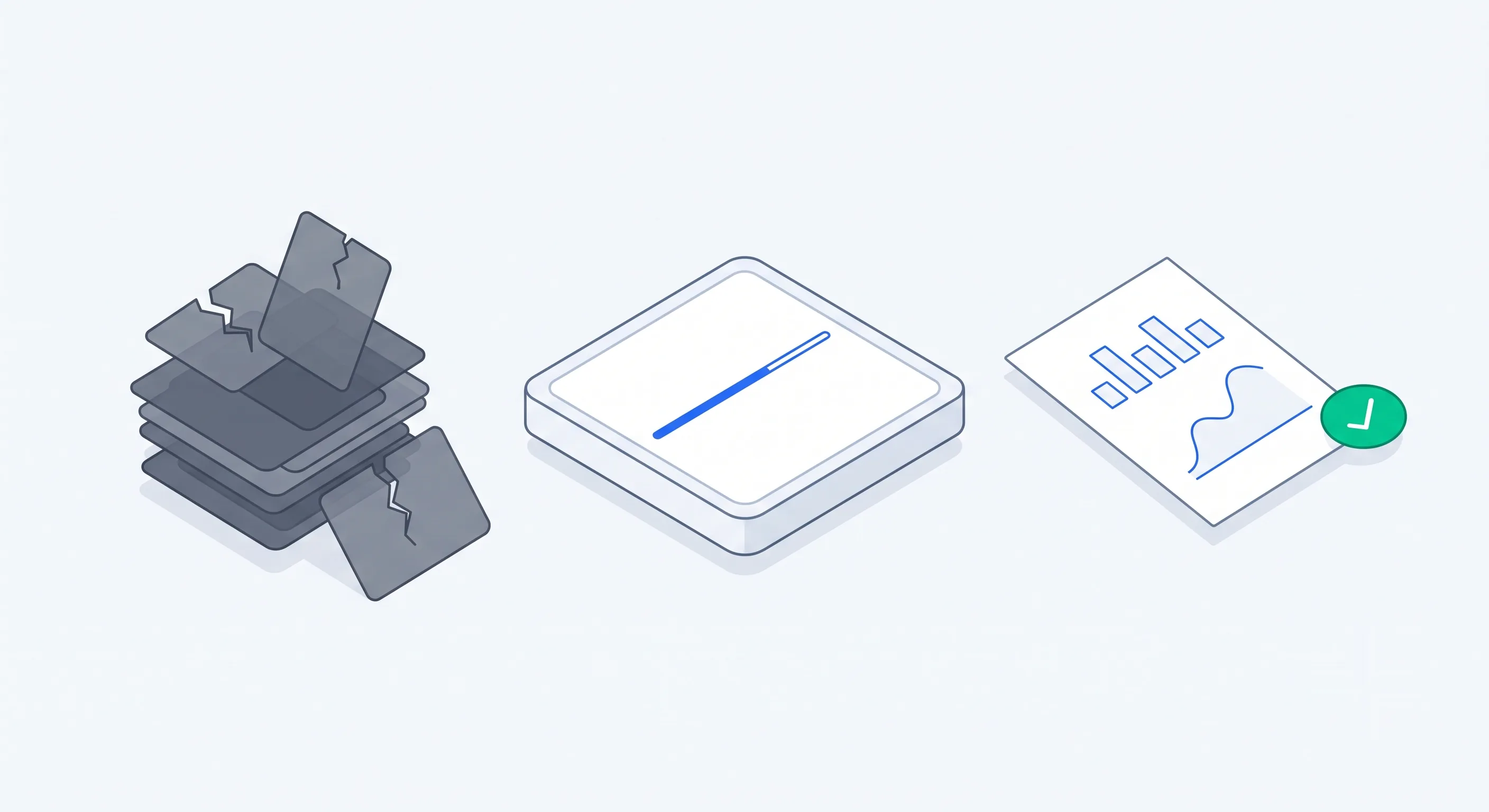
Smart Dataset Cleaning + AI Report Generator
Python-based system that handles nulls, fixes data types, removes duplicates, detects outliers, and generates a comprehensive before/after PDF report.
Case study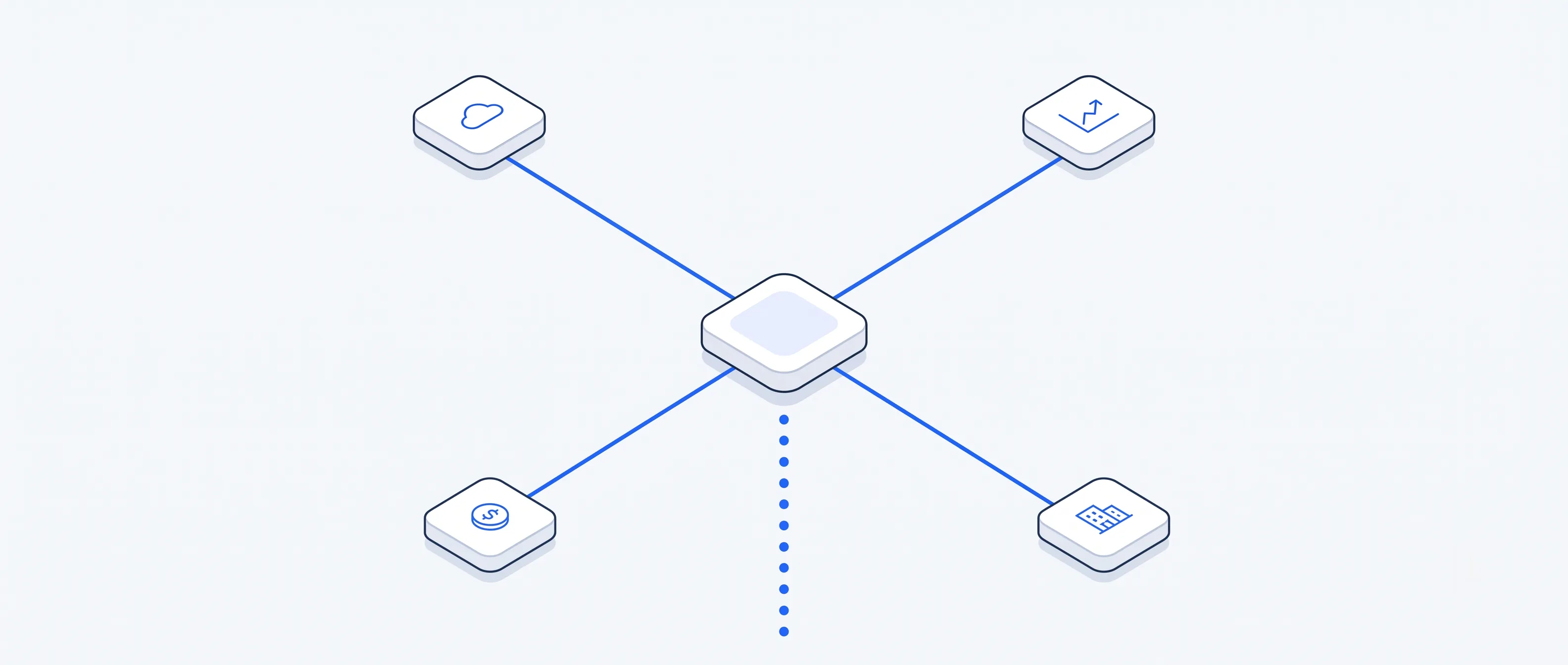
API-Based Data Aggregation System
Complete API data-fetching system that pulls from multiple APIs (weather, finance, crypto, real estate), stores cleanly, and visualizes the data.
Case studyINDUSTRIES
Industries we build this for.
FAQS
AI Automations: common questions
Which processes should we automate first?
High-volume, repetitive processes with clear inputs and outputs: invoice processing, onboarding, order handling, reporting, and data entry between systems. We usually start with the process that costs the most hours each week, because it proves the value fastest.
Should we use n8n or Zapier?
Zapier is quickest for simple connections between popular SaaS tools. n8n is better when you need complex logic, high volume without per-task pricing, or full control over where your data lives, because it can be self-hosted. We recommend one after seeing your workflows, and sometimes a custom pipeline beats both.
Can automation work with our ERP or older systems?
Usually, yes. If the system has an API we integrate with it directly. If it does not, we look at database access, file exports, or email-based integration. Connecting ERP, CRM, and internal systems that were never designed to talk to each other is a large part of this work.
What happens when an automation fails?
It tells you. Every workflow we build includes error handling, retries, and alerts, so failures are caught and visible instead of silently losing data.
Is our data safe inside an automation?
With self-hosted n8n your data never leaves infrastructure you control. For cloud tools we limit what passes through them and use scoped credentials. Data handling is agreed during discovery, before anything is built.
Discuss this project
Tell us what you're building. We'll show you exactly how we'd engineer it.
- Free 30-minute discovery call
- You own the code, models, and IP
- Working software every week